Let's start!
Add photo to make scan. You can upload photo from the device or take a photo with camera (available for mobiles)
The photo is loading and checking, please wait
How to make a sutable photo

Take a square photo with a mole in the center of the frame
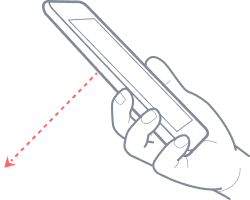
The smallest possible distance (2-4″ or 5-10 cm) for a clear frame
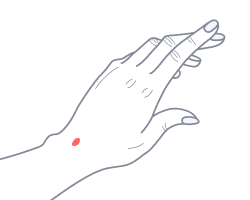
The photo should be free of foreign objects (hair, jewelry, etc.)

Save results and track dynamics of the stored object.
Upload photo
Your photo is fine.
Click the Button to see the scan result.
The photo is suitable
Upload photo
The photo is not suitable.
Click the Try Again to add other photo
The photo is not suitable
Make sure that:
- the subject is in focus 2-4″ (5-10 cm) from the object;
- located in the center of the frame;
- there is no hair, jewelry, skin folds in the photo.
Payment method
$ 1.47 ![]()
Total